
Material selection
Choose filament for the part you want to make.
Start with the job, then narrow the material, printer and finish choices. A useful shortlist gives each candidate a clear reason to be there.
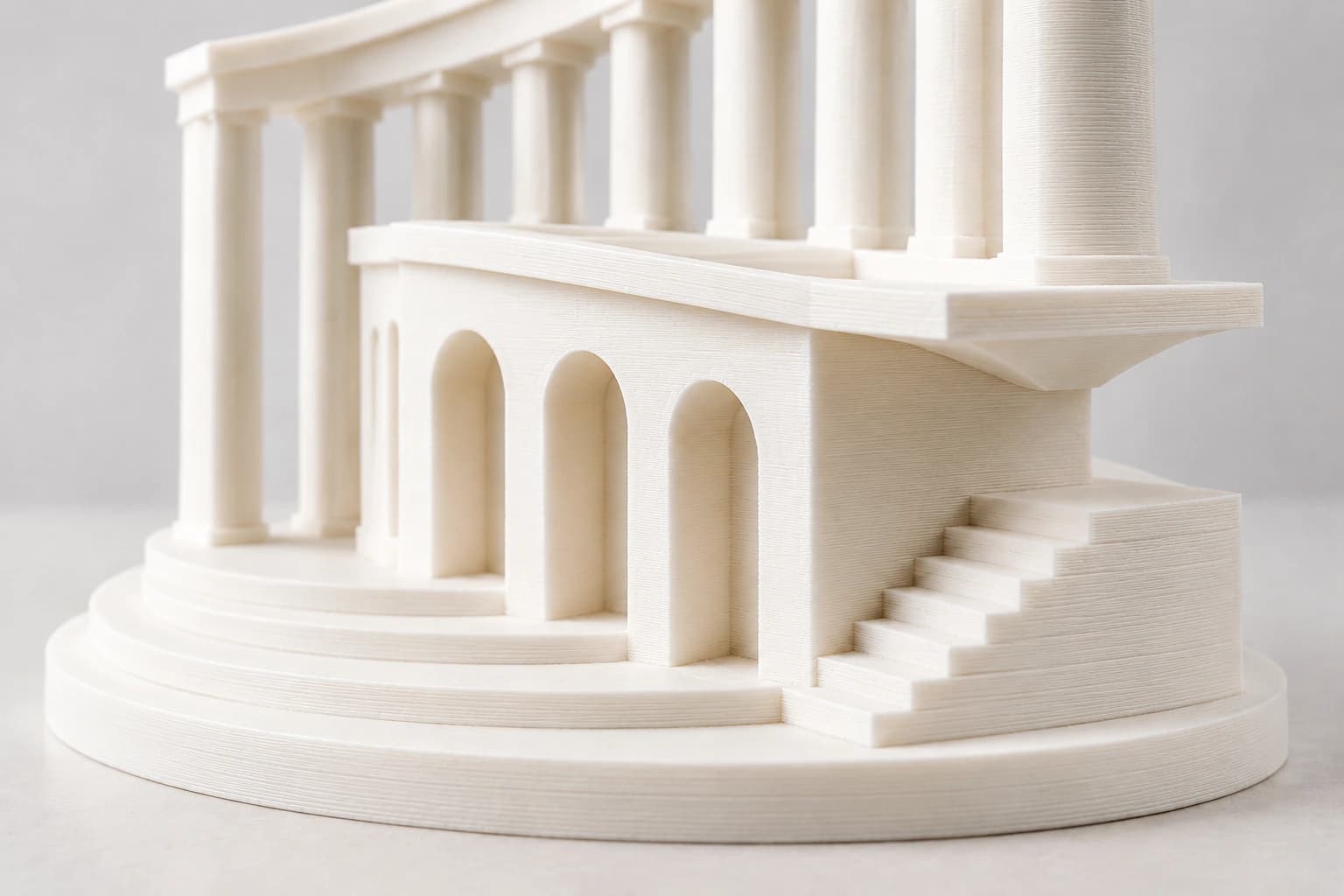
Describe the part in use
A display model, a handled enclosure and a flexible bumper ask different things of a material. Write down the function and service conditions before comparing resin names.
- Indoor or outdoor use, temperature and contact conditions
- Fit, movement, stiffness or impact that matters to the part
- Surface, color and viewing conditions
Match the material direction
PLA is a starting point for models and general prototypes. PETG adds a functional-part direction; TPU covers flexible-part evaluation. ABS, ASA and engineering families belong in a shortlist when the part and available equipment call for them.
A family name narrows the search. The selected grade, geometry and printed-part result decide suitability.
Work within the real printer setup
Check the printer, nozzle, feeder, enclosure and material-handling route together. A material that looks attractive on paper may not fit the equipment used for the order.
Use the selected grade’s preparation and printing guidance. One drying setting or profile does not cover every material.
Give appearance its own sample
A curved silk part, a thin translucent wall and a matte flat panel reveal different aspects of a finish. Use the intended geometry and lighting to compare the effect.
For fit and mechanical questions, choose a representative part and a repeatable observation or measurement. Keep printing temperature separate from service-temperature requirements.
Keep the shortlist connected to the order
Save the grade, color reference, sample result, printer/profile and required documents beside the quantity and packaging. This makes the first quotation and later repeat request refer to the same material choice.
- Exact grade and document coverage
- Color, diameter and spool requirements
- Quantity, destination, packaging and target timing