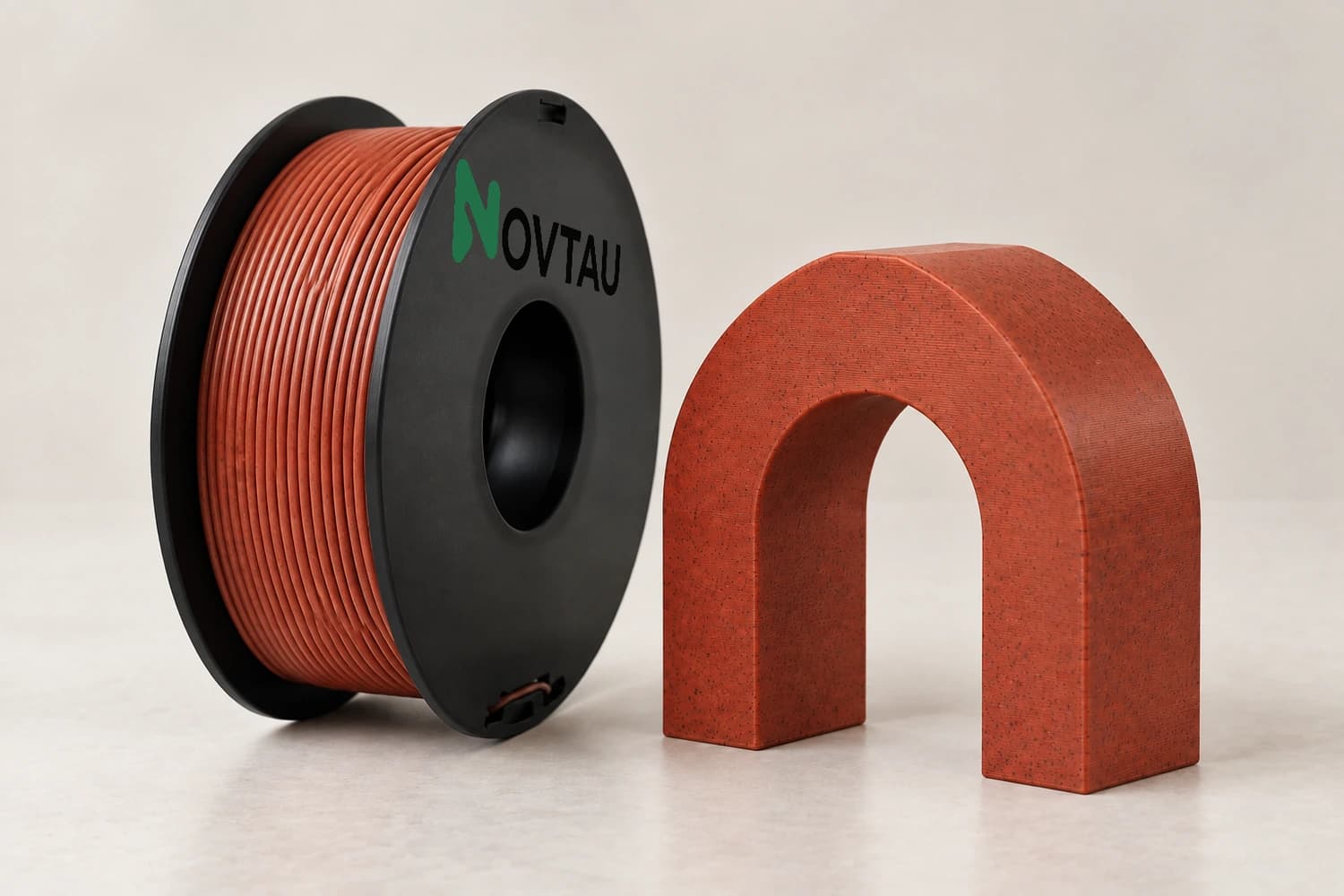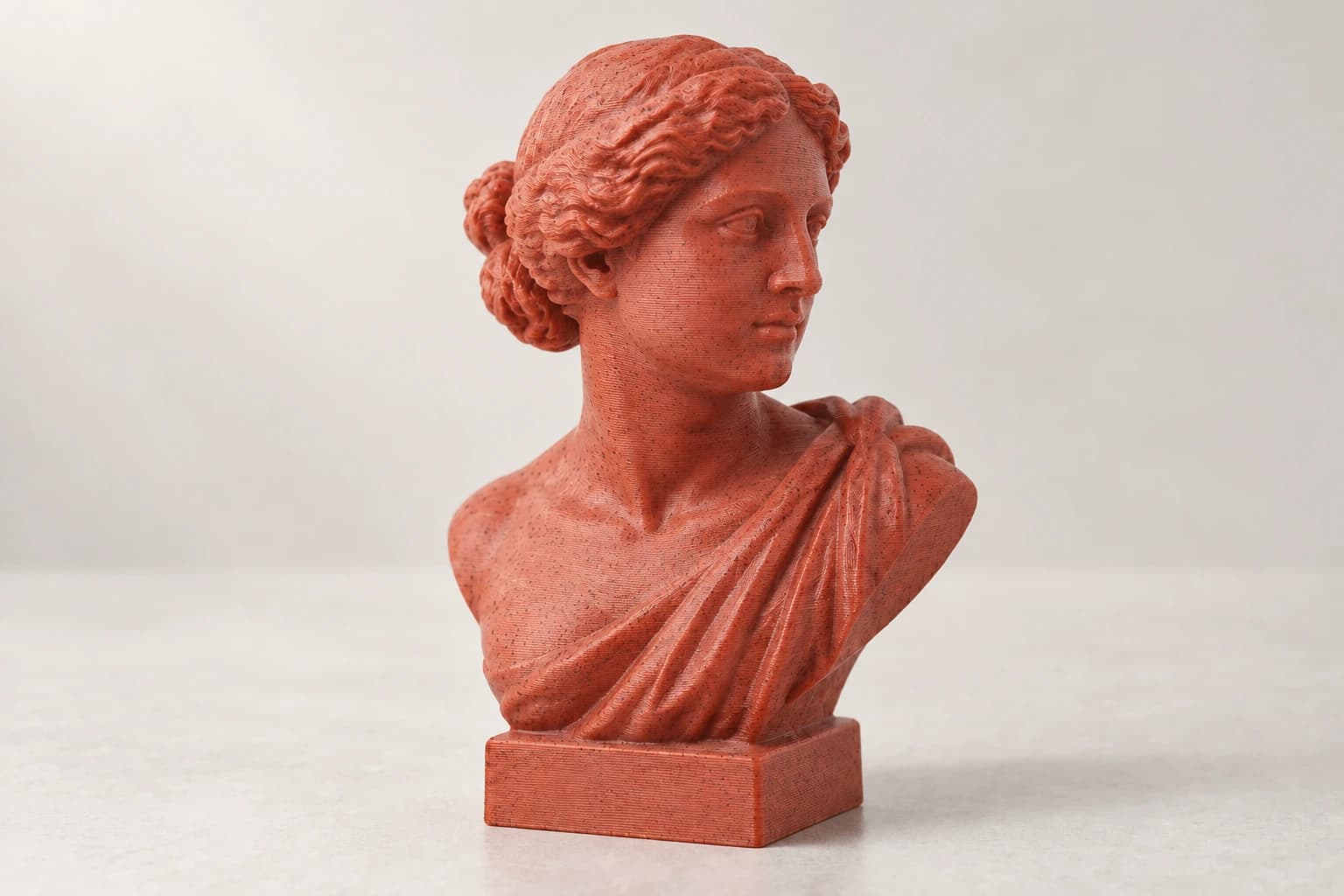
Colors and effects for creative printing

Connect the prototype or prop, finish target, color or effect shortlist, sample reference, quantity, deadline, and repeat-match record.

Filament families for visual and creative review

Switch between the confirmed families and review the selected color or effect on the final geometry and lighting conditions.

Prepare the creative material and finish brief

Record geometry, color, effect, surface, light, sample, project, and repeat-match decisions against the same reference.

Color direction

Color direction scope

For color direction, define what must be reviewed and keep optional requests separate.

Color direction

Color direction reference

For color direction, name the material, visual, equipment, market, or document reference that applies.

Color direction

Color direction selection

For color direction, connect the selected family or configuration to the same program brief.

Color direction

Color direction sample

For color direction, record the sample, part, color, spool, or presentation checks needed before approval.

Color direction

Color direction owner

For color direction, identify who reviews the technical, visual, commercial, and presentation inputs.

Color direction

Color direction handoff

For color direction, keep the approved reference available for quotation, purchasing, or listing handoff.

Color direction

Color direction repeat record

For color direction, retain the exact approved configuration for repeat-order review.

Color direction

Color direction change control

For color direction, state which changes require notice, a new sample, or a renewed written review.

Approve the finish on the final geometry and lighting direction

Color and effect appearance changes with geometry, layer direction, profile, surface, and light; approve a physical sample for the project.

PROGRAM STEP 01

Finish and effect brief

Name the color or effect direction, geometry, scale, layer direction, surface, lighting, viewing distance, and approval reference.

Browse related filaments
PROGRAM STEP 02

Prototype and prop geometry

Record wall thickness, overhangs, supports, assembly, post-processing, handling, and display conditions that affect the visual result.

Browse related filaments
PROGRAM STEP 03

Mixed-color project planning

Keep every selected color or effect, part assignment, sample, quantity route, destination, and project date in the same brief.

Browse related filaments
PROGRAM STEP 04

Repeat-match record

Retain the approved sample, material and color reference, geometry, profile, finish observations, destination, and requested change notifications.

Browse related filaments

Creative-program support where it is needed

Keep the material shortlist, sample, presentation requirements, documents, and repeat-order reference connected through one reviewable program.

Program consultation

Clarify the route, application, shortlist, sample, document, and approval inputs before they are combined into an inquiry.

Browse related filaments

Material shortlist

Compare only the confirmed families and mark every grade-specific value that still requires written confirmation.

Browse related filaments

Sample review

Tie each requested sample to the exact material, color or effect, spool, printer, part, and evaluation method.

Browse related filaments

Presentation review

Record spool, label, carton, language, barcode, or shipment requirements only where they apply to the route.

Browse related filaments

Document request

List the grade-level product, safety, or applicable compliance documents required by the buyer's process.

Browse related filaments

Repeat control

Keep the approved configuration, destination, document set, order reference, and requested change notices connected.

Browse related filaments

What the studio review records

These records describe the review workflow only. Grade availability, documents, commercial scope, and application suitability remain subject to the selected material and written quotation.

PROGRAM RECORD 01

Scope record

Keep the customer type, intended channel or application, destination, timing, and decision owners together.

PROGRAM RECORD 02

Material shortlist

Record only the confirmed families under review and separate grade-specific questions from family-level descriptions.

PROGRAM RECORD 03

Color reference

Name the requested color or effect reference and the physical or digital comparison route that will be used.

PROGRAM RECORD 04

Printer conditions

Connect the printer, nozzle, feeder path, enclosure, build surface, profile starting point, and representative part.

PROGRAM RECORD 05

Sample record

Tie each sample to the exact material, color, diameter, spool configuration, part, review date, and disposition.

PROGRAM RECORD 06

Presentation record

List spool, label, carton, barcode, language, and shipping requirements only where the program actually needs them.

PROGRAM RECORD 07

Document request

List the grade-level product, safety, or applicable compliance documents required for the written review.

PROGRAM RECORD 08

Approval route

Name who reviews the technical, visual, commercial, presentation, and destination inputs before release.

PROGRAM RECORD 09

Supply handoff

Carry the approved configuration into the quotation, purchasing, delivery, and receiving records without changing it silently.

PROGRAM RECORD 10

Repeat reference

Retain the exact approved material, sample, presentation, destination, and order reference for the next review.

PROGRAM RECORD 11

Change control

State which formulation, color, spool, document, presentation, site, or process changes require renewed review.

Frequently asked questions

Describe the prototype, prop, display, or short-run part; geometry; finish target; color or effect shortlist; lighting; sample checks; quantities; destination; and project date.